 ReUI
System stats
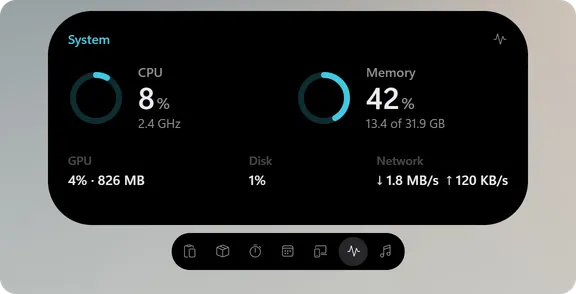
Press Win+Alt+S (or Tray → System stats) to see how busy the PC is: CPU and memory side by side, each with a ring and a line of the last minute (since the card opened; it fills in from the right), then GPU, disk and network on one line. On a laptop the line under CPU says what the battery gives or takes. A number that stays at 90 % or more for three seconds turns orange. The button at the top right opens Task Manager. Press the shortcut again, or click elsewhere, to close it. The numbers update once a second while the card is open and aren't read at all otherwise. Settings → System stats changes the shortcut and which facts show. reui-bridge stats opens it from a script.